
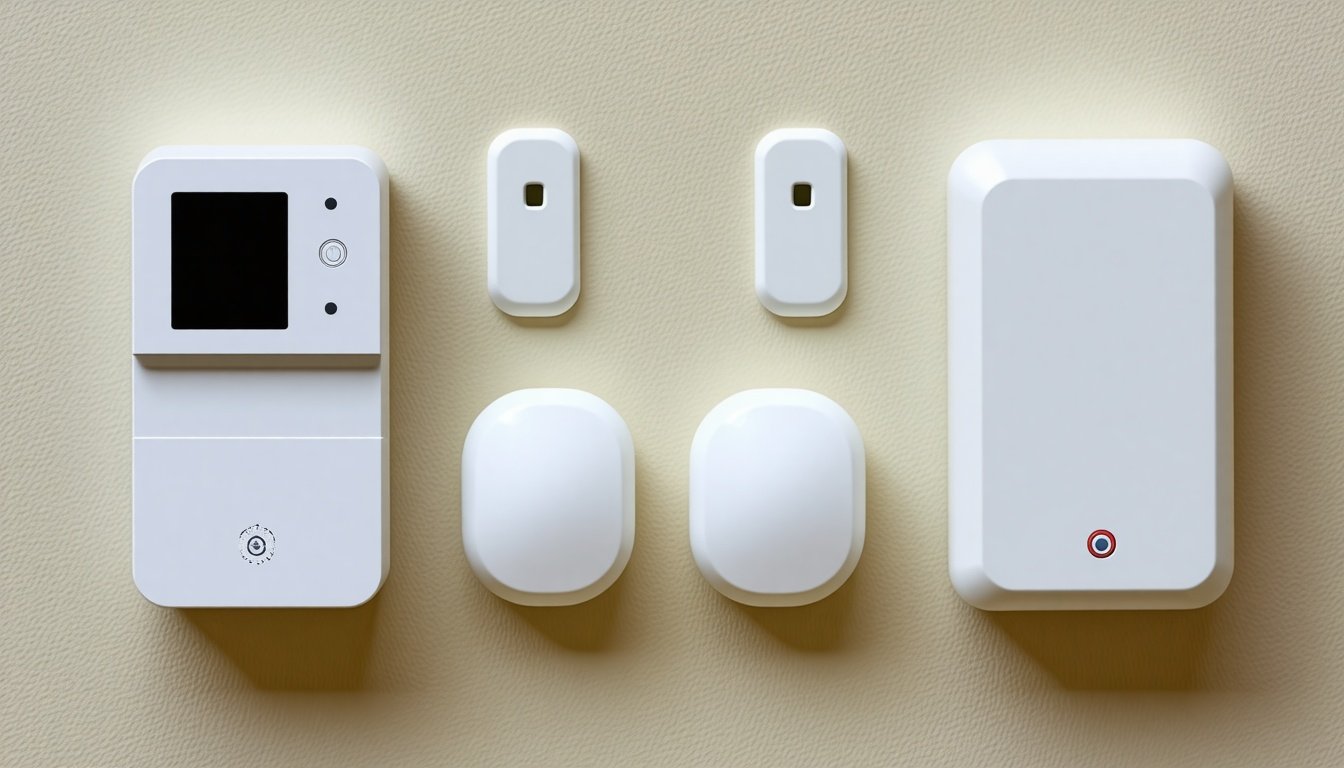
You know that tiny gadget hanging somewhere near your electric panel or quietly sitting on a shelf, silently counting every watt your home uses? That’s my home energy monitor. When I first got it, I thought all I had to do was plug it in and watch the magic happen. Well, that was the easy part. What I did not expect was just how much these little devices crave a bit of attention if you want them to keep delivering the kind of insights that make you feel like an energy-saving ninja.
Energy monitors do not just show numbers; they tell stories about your lifestyle, your habits, maybe even your midnight fridge raids. But these stories only come alive if the device and its sensors are happy and healthy. And “happy and healthy” means a little care and maintenance, which, honestly, I had to learn the hard way.
Why Caring for Your Energy Monitor Matters More Than You Think
Let us start with a little secret: your energy monitor does not work alone. It depends on tiny sensors that wrap around your wires like little guardians, measuring the electrical current flowing through them. If these sensors go off track or if the monitor’s software gets wonky, the data you get can be, well, plain wrong.
And wrong data? That is like cheating on a test and not getting the grade you wanted. It defeats the whole purpose of having the gadget in the first place. You want to know what’s gobbling your power bill, not be fed lies about it.
So, spending a bit of time keeping your monitor and sensors in shape feels like a small price for the clarity you get. Plus, it is a nice way to remind yourself that saving energy is a living, breathing effort, not just pressing “start” on a device.
What I Learned About the Devices Themselves
Here is what you might not expect: these sensors are sensitive little things. Usually, they clamp around your home’s main wires and silently sense the current. But they do not like being jostled or exposed to harsh elements.
My first mistake was assuming once they are installed, I could forget about them. Nope. Dust builds up, wires can loosen over time, even small vibrations can affect the readings.
Keep It Clean, Keep It Accurate
Dust seems harmless, but for sensors, it is like trying to measure the speed of a car through foggy glasses. I found myself regularly wiping dust away with a dry cloth. No water, no sprays, just gentle wiping because these electronics are as shy as cats about moisture.
Sometimes, I get tempted to blow on them or use canned air, but then I remember how delicate those sensors are and stick with the soft cloth. If dust gets out of control, the monitor’s readings start to flicker or lag, which messes with your data.
Placement Is Everything
These sensors want to be snug but not squeezed. The wires they attach to should not be bent sharply or pulled tight. If they are, it messes with the sensor’s ability to read accurately. When I installed mine, I double-checked that the sensors had a bit of breathing room and were not crushed against metal or other objects.
Also, keep them away from water sources and avoid areas with extreme heat. These environmental factors can cause premature wear. For example, I learned that placing them near the water heater’s pipes, which get hot, was a bad call. One sensor started acting weird after a few weeks of heat exposure.
What About the Monitor Unit Itself?
The monitor needs a clear, steady Wi-Fi signal if it is the smart type (and it probably is). One day, my readings went completely silent, and I panicked. Turns out, the Wi-Fi router was moved to a new spot in the house, and the monitor lost connection.
Lesson? When you move your router or do any network changes, talk to your energy monitor too. Most come with an app that can alert you if the connection drops. If it does, try resetting the device or moving it closer to your router.
Power Source Checks
Some monitors run on batteries, others plug into the wall. Batteries? Keep spares nearby. Nothing kills the excitement of watching your numbers climb than a dead battery. For plug-ins, make sure the cords are not frayed or loose. I once ignored a loose plug and later found my whole monitor offline just when I was comparing summer vs. winter energy use.
Software Matters Too — Don’t Forget to Update
Your monitor’s app or software can have bugs or might get better versions with cool new features. I thought, “Nah, I will skip this update,” until my app started freezing and refusing to load current data.
Once I updated it, the app ran smoother, showed better graphs, and even added alerts for unusual spikes in energy usage. Those alerts helped me find a sneaky old heater that was secretly running all night.
So yes, updates might be annoying, but think of them as getting a tune-up for your gadget.
How to Check Sensor Accuracy Without Fancy Tools
You do not need a PhD in electricity to see if something is off. I like a hands-on approach:
- Monitor Known Loads: Turn on a device that has a known wattage, like a light bulb, and watch your monitor’s reading. Does it look close to the expected number?
- Look for Big Spikes: If the monitor suddenly shows huge spikes without you turning anything on, something is fishy with your sensors or the monitor.
- Compare Monthly Bills: Match the monitor’s cumulative readings with your actual electricity bill. Large differences might mean a sensor is slipping.
If you spot problems, the first thing is to check all sensor clamps are still tight and dust-free. Next, reboot the monitor. Most of the time, that fixes the weird glitches.
When to Call for Help
If your sensors or monitor still act wonky after you have cleaned, rebooted, and reinstalled, it might be time for professional help or even replacement. Sensors, especially, can become unreliable after a few years, thanks to constant jostling and environmental exposure.
I waited too long to replace a sensor on one side of my panel, and it gave me weird spikes that I blamed on my toaster. Finally, I swapped it out, and boom — my data looked honest again.
Also, the monitor’s internal battery backup or power supply can fail. If you see no lights or your app just keeps spinning endlessly, that is a red flag.
Keeping a Journal Helps More Than You Think
Here is a fun hack. I started jotting down small notes about when I cleaned sensors, changed batteries, updated the software, or noticed odd readings. Over time, this log became gold for spotting patterns.
For example, I realized the readings got fuzzy about every three months, just when dust settled in aggressively. So now, I schedule a quick sensor wipe-down once every two months to stay ahead.
Also, if you ever need to ask customer support, having these notes makes your life easier and speeds up their help.
Why This Makes Me Feel More Connected to My Home
At first, I saw my energy monitor as just a tool. Now? It feels like a tiny, invisible connection to my home’s heartbeat. Taking care of this small piece of tech makes me feel responsible in a real way. It reminds me that saving energy is not just a number on a screen, but a daily conversation between me and my place.
Besides, watching those numbers drop because I fixed a sensor or turned off a vampire appliance? That is downright satisfying.
Some Quick Tips to Wrap It Up
- Clean sensors gently every couple of months with a dry cloth.
- Check that sensors are snug but not squeezed.
- Keep sensors and monitors away from heat and moisture.
- Monitor your Wi-Fi connection if your device is smart.
- Update software regularly.
- Swap batteries or check power cords often.
- Keep a simple maintenance log.
- Test sensor accuracy with known devices.
- Replace sensors every few years or if you notice odd readings.
After all this, my home energy monitor and I are on really good terms. It tells me where my home is sipping electricity like a thirsty camel, and I make the fixes. Together, we keep the energy bills low and Mother Earth a bit happier.
And you know what? Getting to know your energy monitor and its sensors is not a chore; it is a tiny adventure. One that makes your home smarter, kinder, and a little more like you.